Law firms live and die by confidentiality. Every day, teams are printing legal sensitive documents that include client records, contracts, evidence files, and privileged communications. Yet many firms still rely on traditional office printers that were never designed for today’s security expectations. In shared environments, those devices quietly expose sensitive data, often without anyone realizing it, until a breach, audit failure, or client complaint forces action.
This is where the gap becomes clear: legal work demands airtight document security measures, while legacy printing setups deliver convenience at the cost of control.
The Overlooked Printer Security Gaps in Everyday Legal Printing
Traditional printers introduce risks that don’t show up on an IT checklist, but surface quickly in legal environments.
a. Unattended output trays with printed documents allow confidential filings to sit exposed, accessible to anyone passing by (no access controls).
b. Shared devices rarely authenticate users, making it impossible to confirm who printed or scanned a document.
c. Local hard drives inside printers often store copies of past jobs, creating a silent archive of sensitive data.
d. Manual workflows increase the odds of misprints, mixed files, or documents sent to the wrong destination.
For firms handling litigation, M&A, or regulated matters, these print infrastructure gaps translate directly into compliance exposure and reputational damage. Standard printers weren’t built for chain-of-custody requirements, audit trails, or modern data protection standards – yet many law offices still depend on them.
Why Xerox® Is Different: Print Security Built Into the Device, Not Bolted On
Unlike traditional printers, Xerox® devices are designed with security as a core function, not an add-on, to reduce the risk of data breaches. Instead of focusing only on speed or output quality, Xerox® approaches printing as part of a secure information ecosystem, one that aligns with how law firms actually work.
Xerox® Multi-Layer Device Protection
Xerox® printers use layered safeguards to prevent unauthorized access and tampering:
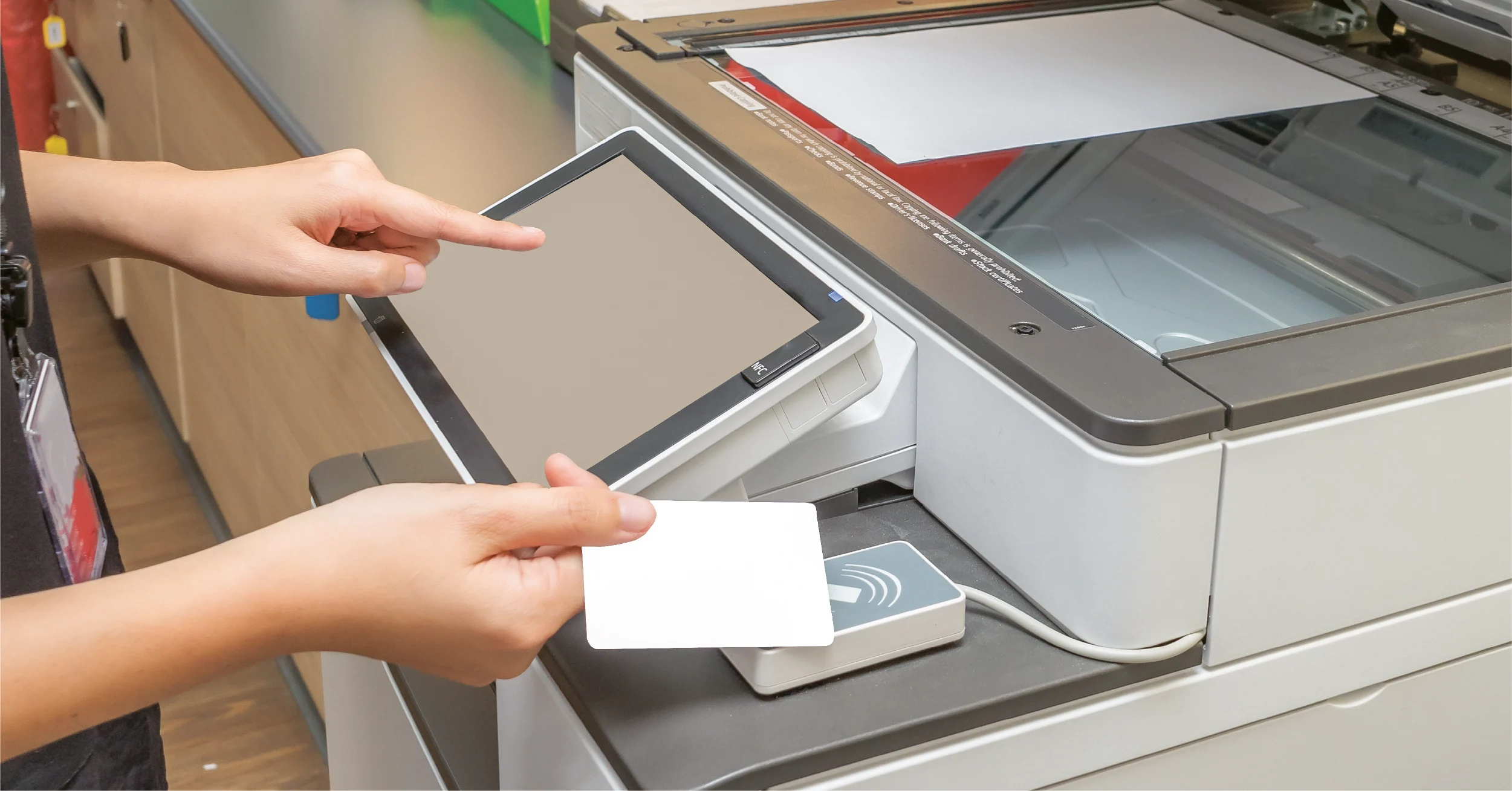
1. User authentication via PIN, badge, or credentials.
2. Device integrity checks that detect system changes.
3. Role-based permissions to limit access by job function.
This means no one can casually walk up, print, or retrieve sensitive files without verification.
Protecting Legal Documents Against Unsecured Printing – In Motion and at Rest
Security risks don’t stop once a document leaves the screen. Xerox® protects files throughout the lifecycle:
a. Encrypted print jobs prevent interception during transmission.
b. Secure hard drive protections shield stored data.
c. Automatic overwrite processes eliminate residual file remnants.
For firms managing discovery or confidential filings, this closes a critical vulnerability common in traditional setups.
Meeting Secure Print Compliance Expectations Without Complexity or Security Breaches
Xerox® devices align with security frameworks and certifications relevant to regulated industries. For law firms, this translates into:
a. Built-in audit trails.
b. Controlled access logs.
c. Support for firm-wide document governance policies.
These features make it easier to support internal compliance reviews and external audits without adding manual processes.
How Xerox® Reduces Risk in Traditional Legal Printing Environments to Maintain Data Security
Many firms assume upgrading security means abandoning familiar workflows. Xerox® takes a different approach – strengthening traditional printing while eliminating its weakest points.
a. With secure print release, documents are only produced when the authorized user is physically present.
b. With workflow controls, scanning and routing become standardized instead of improvised.
c. With law firm print management solutions and managed print for legal environments, firms gain visibility into who prints what, when, and why.
For NYC practices, pairing secure devices with NYC copier leasing for law firms keeps technology current, maintained, and compliant without relying on outdated hardware.
Why This Matters More Than Ever for Law Firms
Client expectations have changed. Courts are stricter. Regulations are broader. And data breaches, no matter how small, carry reputational consequences that can linger long after the incident is resolved.
Continuing to rely on unsecured printers sends the wrong message to clients and creates unnecessary exposure. Upgrading to Xerox® doesn’t mean reinventing your workflow. It means removing silent risks while keeping daily operations efficient and familiar.
Conclusion: Secure the Documents That Protect Your Practice
Traditional printers were built for offices and not for the realities of modern legal work. Xerox® closes the security gaps that put client data at risk, without slowing your team down.
If your firm is still relying on legacy printing, now is the time to reassess. Flynn’s helps law firms implement secure Xerox® printing solutions that protect sensitive information, support compliance, and fit the way legal teams work.
Talk to Flynn’s today to evaluate your print environment and reduce document security risk – before it becomes a problem.